Bursts after kids, pets, travel, or events
When composition barely changes, scrolling through every frame takes longer than the actual decision.
Best Shot groups bursts and near-duplicate photos on device so you can compare faster, keep one winner per set, and export your picks to a Photos album.
Explicit import only. No default full-library scan. No automatic deletion of non-selected photos in v1.
Start from a selected set of photos instead of reviewing your whole library.
Review grouped shots, compare quickly, and keep one winner per group.
Create or update a Photos album with your Keep selections.
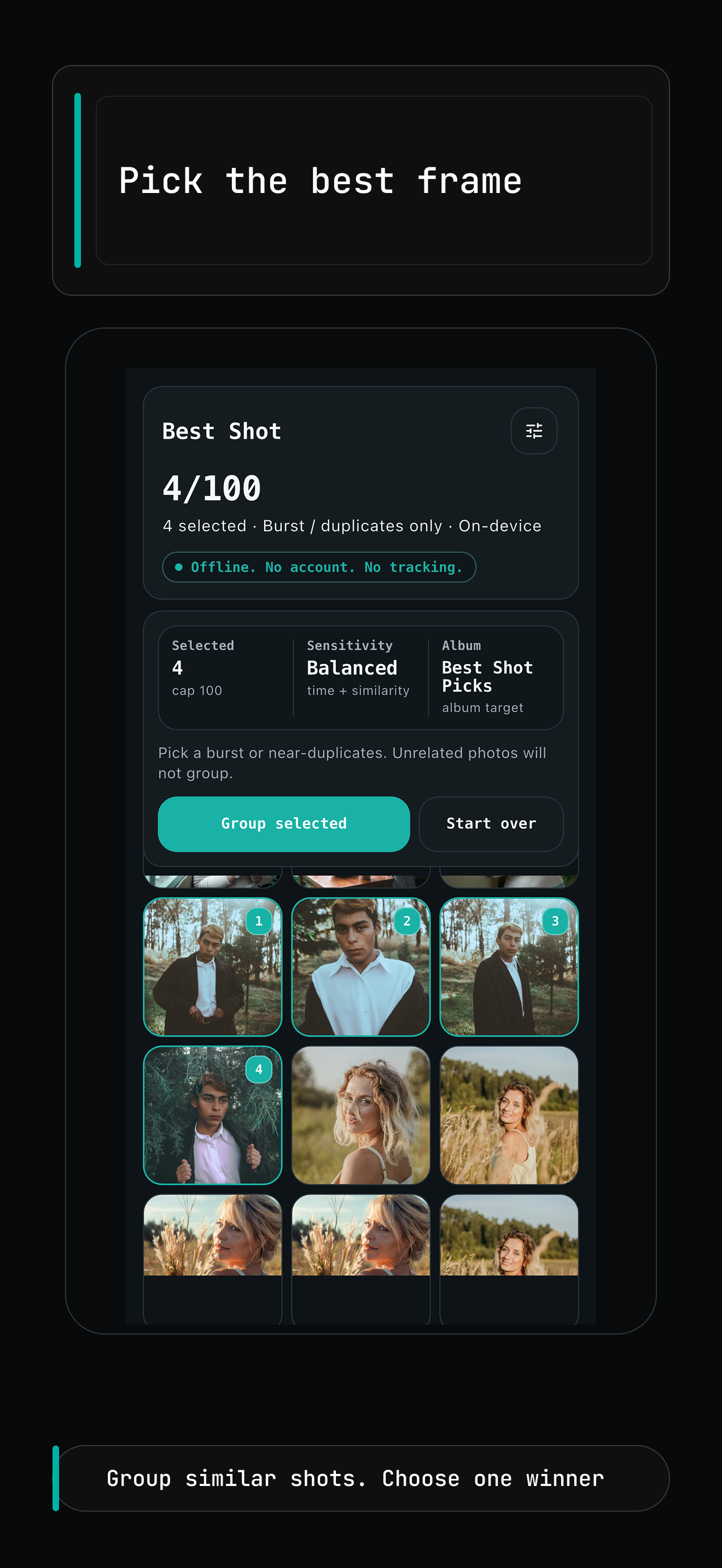
Larger screenshots keep the UI readable on the page. Open any screen at full size.
Group similar shots and choose one winner per set.
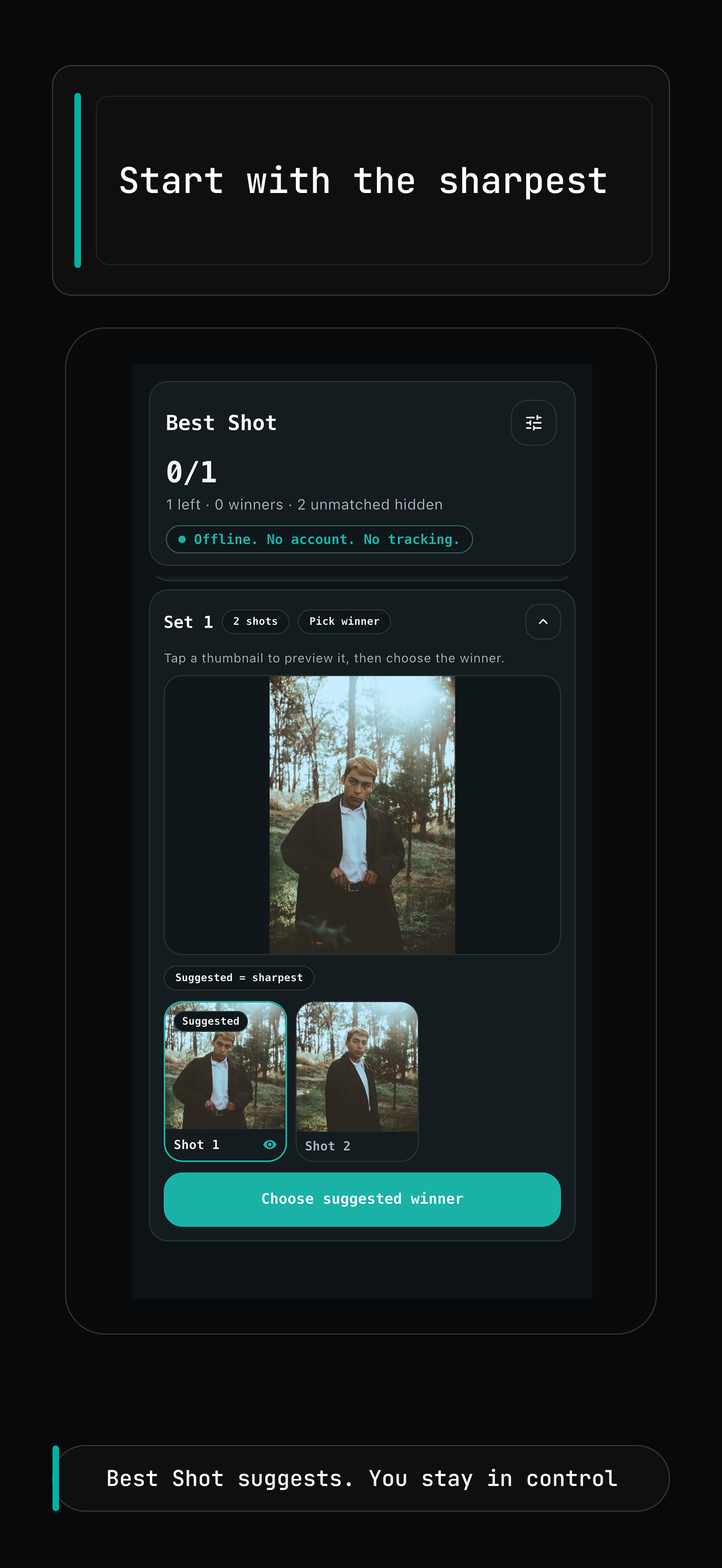
Open each group on a suggested frame, then override manually when you want.
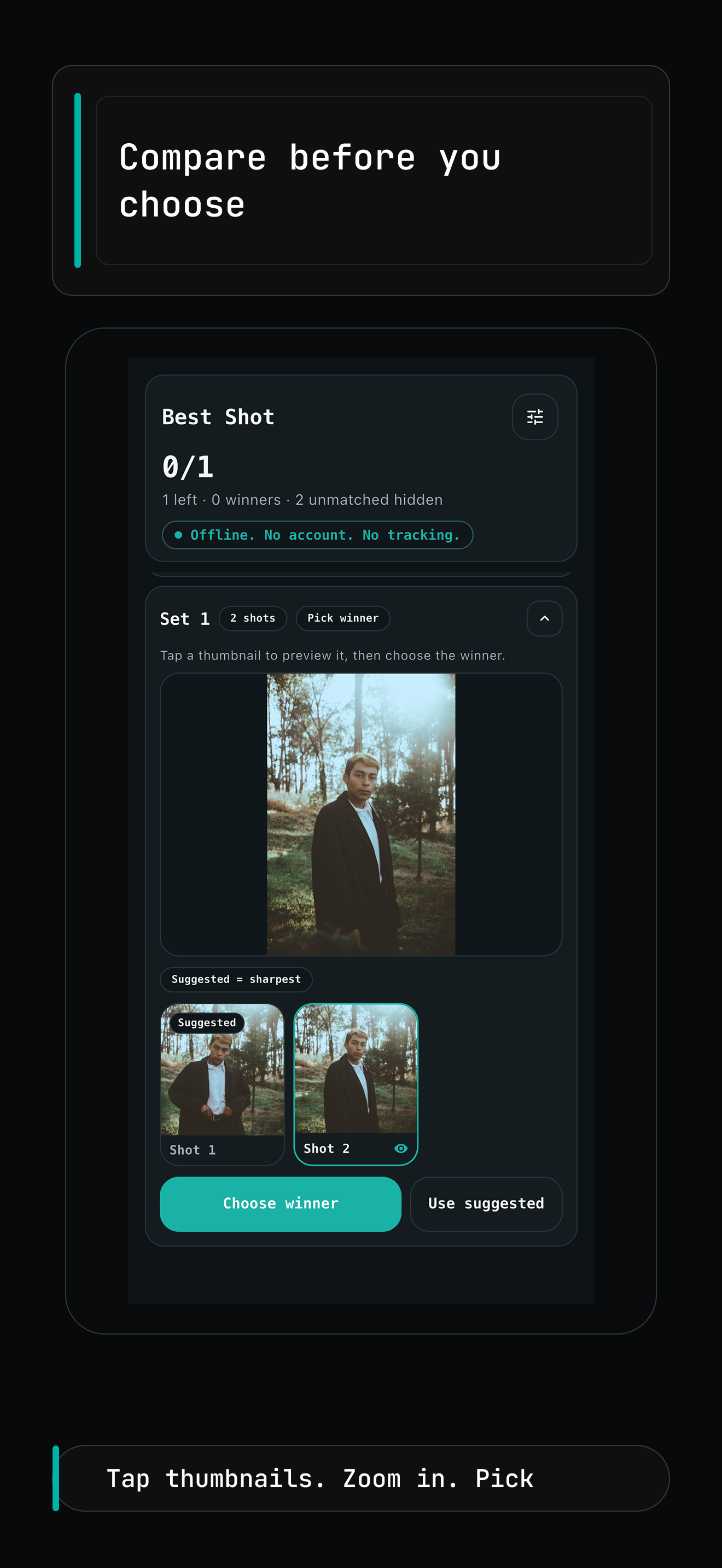
Tap thumbnails, zoom in, and compare the final candidates before you decide.
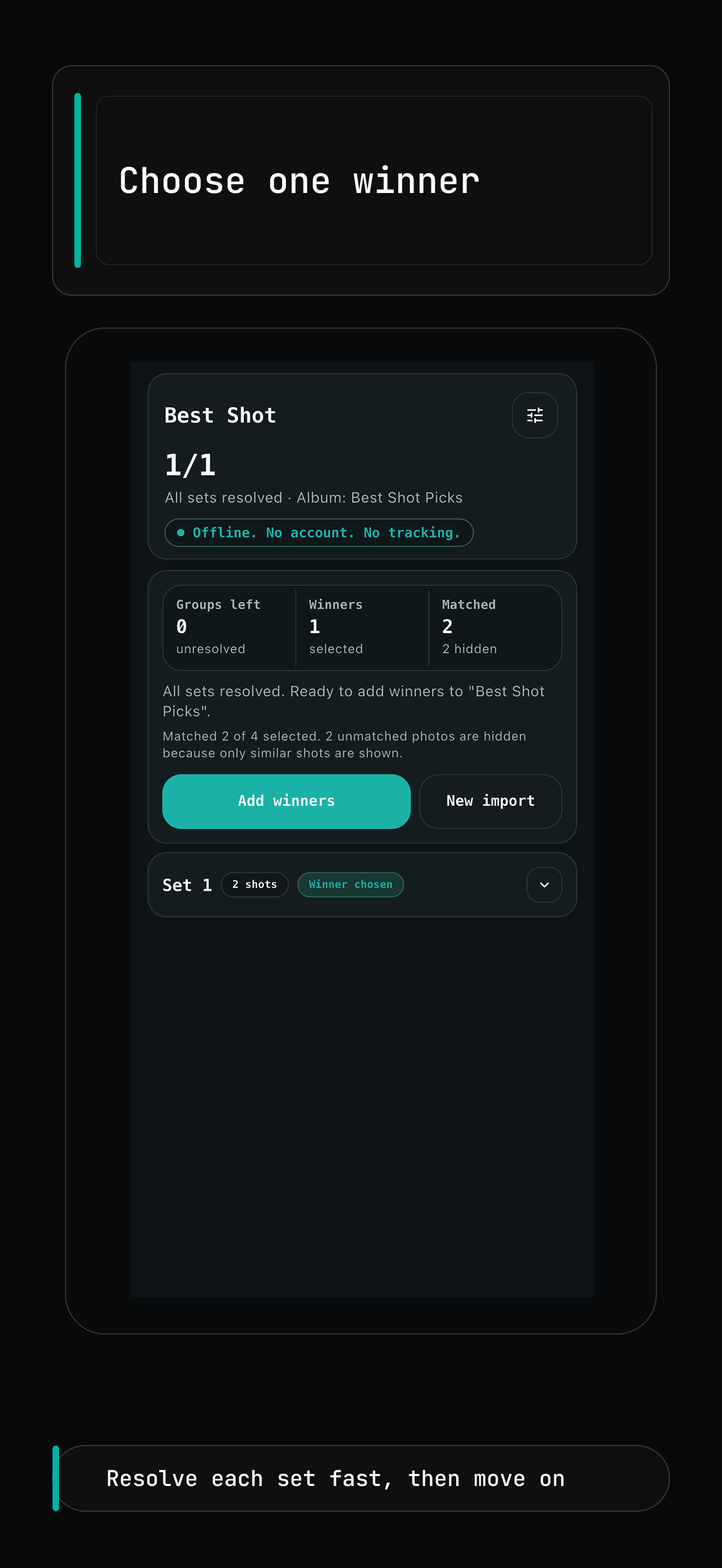
Resolve each set fast and keep the review flow moving.
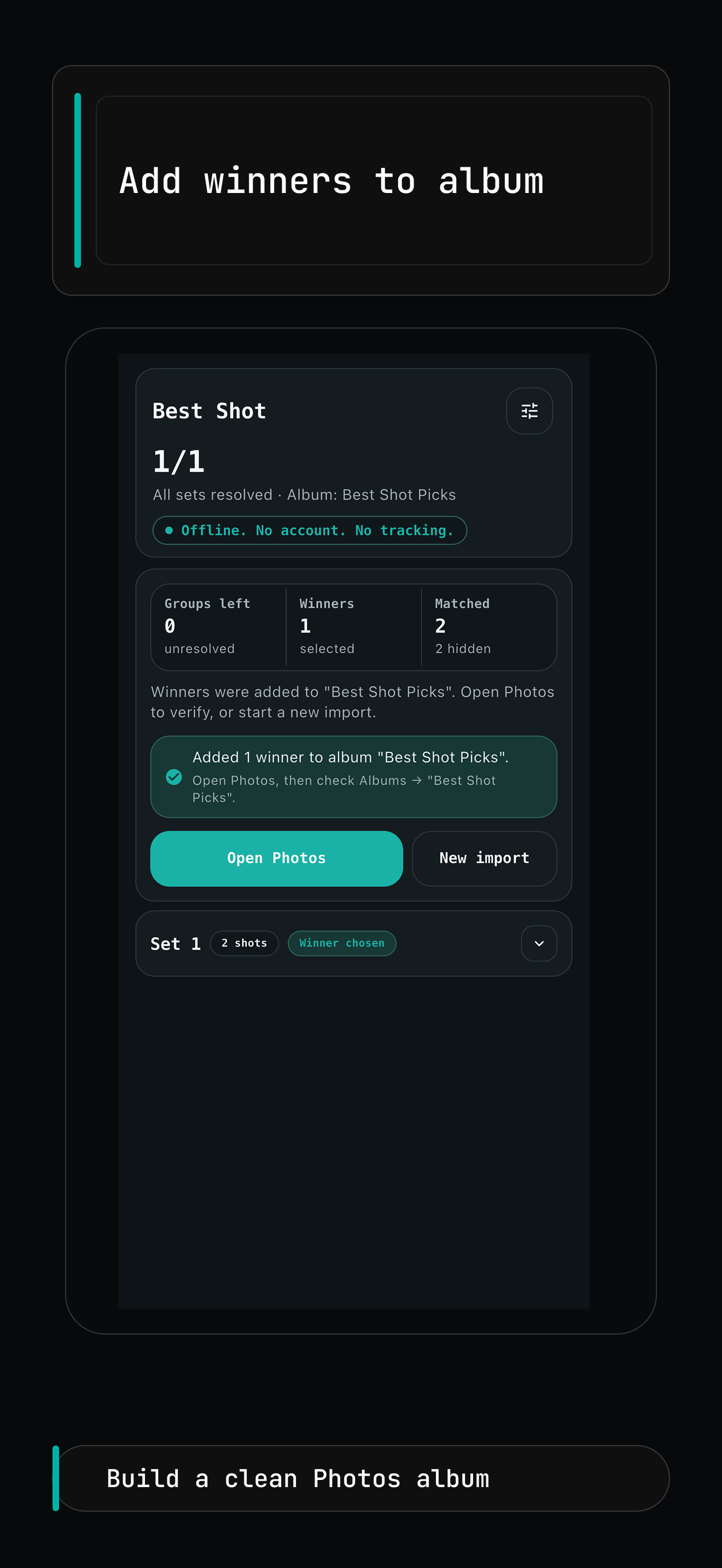
Send your Keep selections to a clean Photos album in one pass.
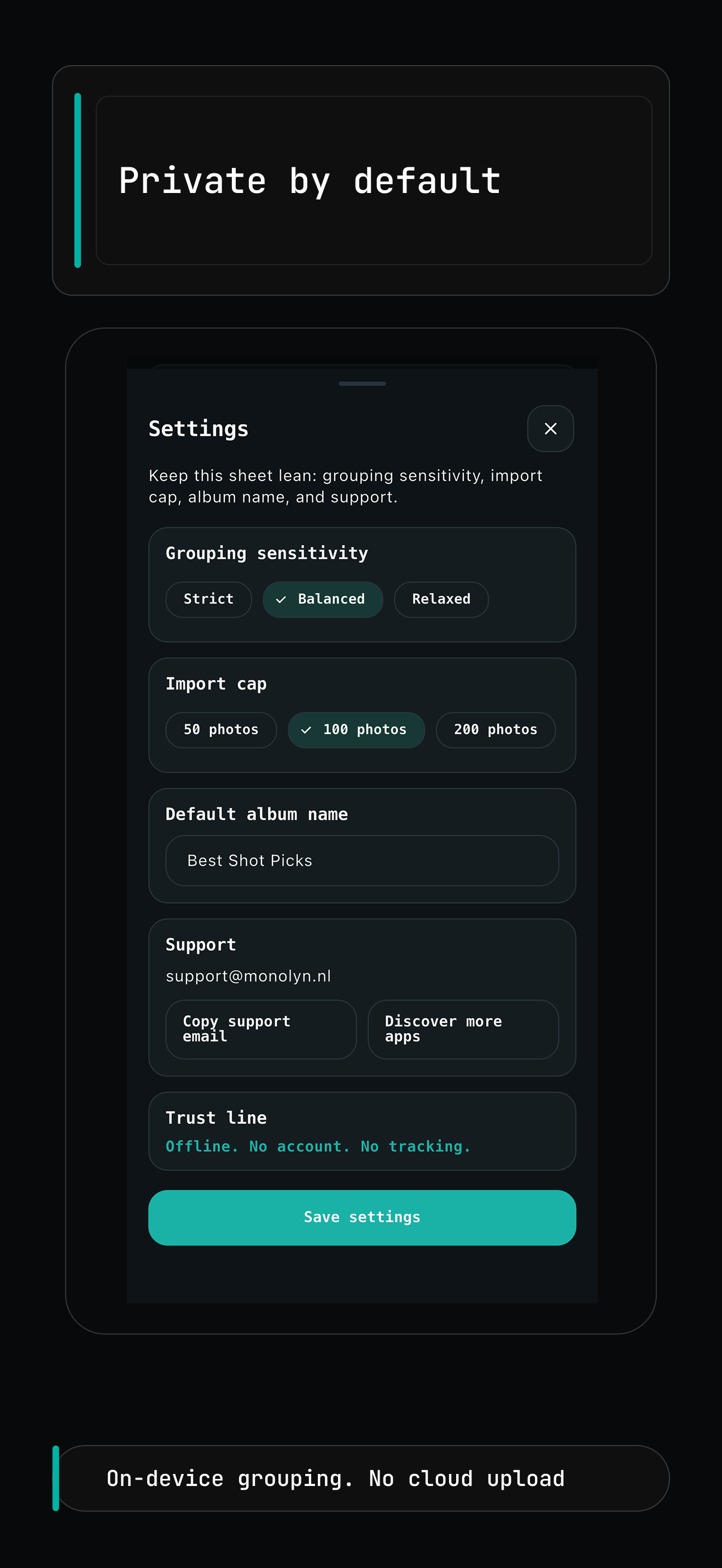
Keep grouping on device with no account and no cloud upload.
Built for the moment when you already have the photos and only need the keeper.
When composition barely changes, scrolling through every frame takes longer than the actual decision.
Best Shot keeps the workflow narrow: group related photos, compare quickly, and move on after one clear pick.
Useful when you want a short culling pass and a clean album of keepers without a heavier desktop-style review session.
A small, focused flow for fast photo selection.
Start from Photos and review a selected set instead of scanning the full library by default.
Bursts and near-duplicates are grouped locally so related frames are easier to review.
Each group can open on a suggested frame so the first decision is faster, with full manual override.
When you are done, Best Shot creates or reuses an album and adds your Keep picks in one place.
The v1 workflow stays intentionally narrow so selection is clear, predictable, and easy to understand.
The app is designed for on-device review and does not require account creation just to complete a selection session.
Best Shot adds winners to a Photos album. It does not automatically delete your other images in the first version.
Release-stage scope stays centered on selected batches and fast review rather than an open-ended full-library cleanup flow.
Short answers for the release-stage product page.
No. Best Shot is designed around explicit import, so you start from a selected set of photos rather than a default full-library scan.
No. The v1 workflow is export-only. Best Shot creates or updates a Photos album with your Keep picks and leaves the original photos untouched.
No. Best Shot is designed for on-device use and does not require account creation to review a session.
Best Shot exports the photos you marked Keep into a Photos album so the winner from each reviewed group is collected in one place.
This page is ready to use as the Best Shot marketing URL while App Store release work continues. When the public App Store listing is live, the store link can be added here without changing the page URL.
Need policy details too? Monolyn keeps the generic Privacy, Security, and Terms pages live alongside product pages.