Try Film Grain Editor
Check the official listing for current availability and local purchase details.

Choose a film-inspired preset, adjust grain texture and intensity, compare the result with your original, and save a full-resolution edited photo.
US App Store: $2.99 paid upfront. Grain 3.0 includes all grain tools without a separate Pro purchase. Local prices may vary.
Choose a photo from your library.
Choose a film-inspired preset and adjust intensity, grain size and highlight protection.
Tap to compare with the original; pinch to zoom.
Save a new full-resolution copy to Photos.
Authentic published app examples. Open an image for a closer look.
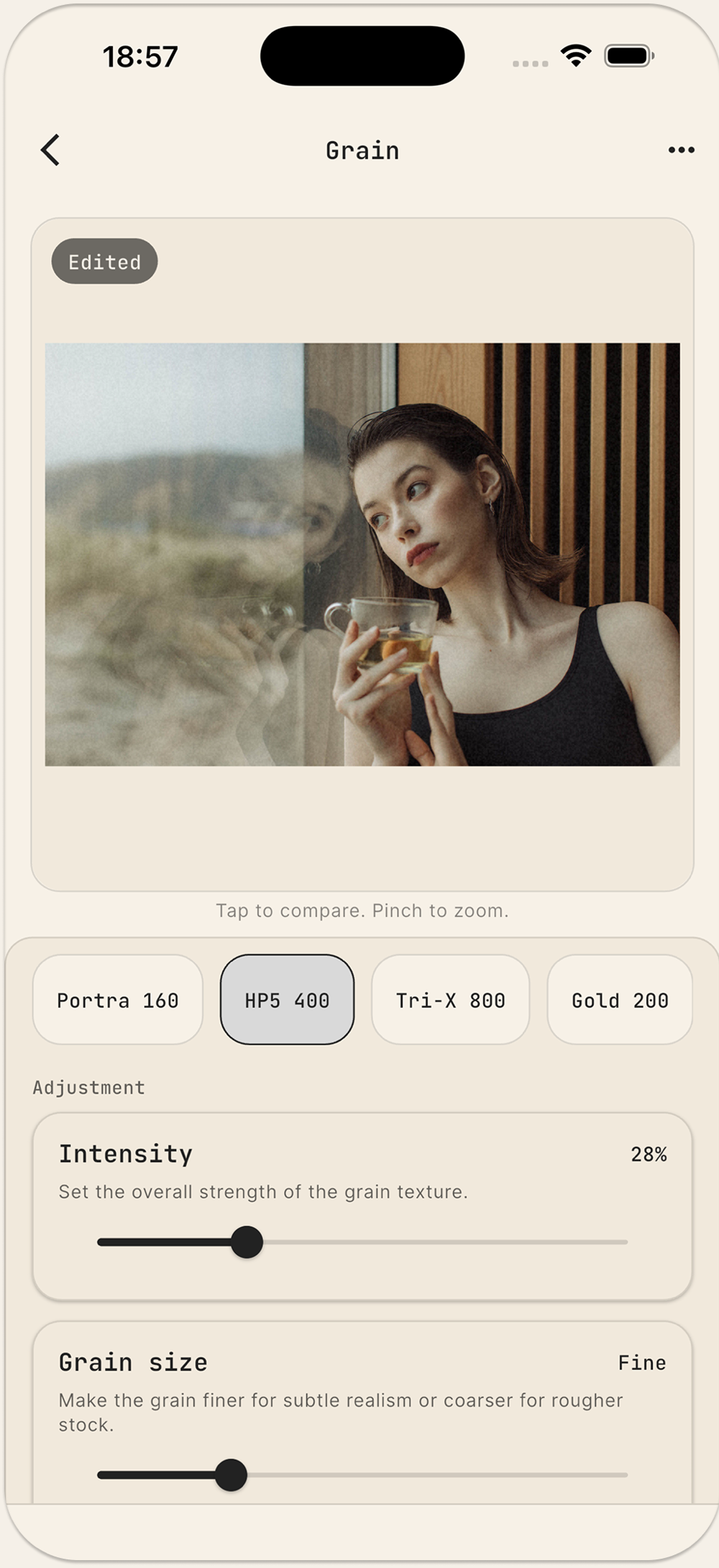
Genuine published Grain 3.0 App Store screenshot, cropped to the actual editor. Demonstration photo; no endorsement implied.
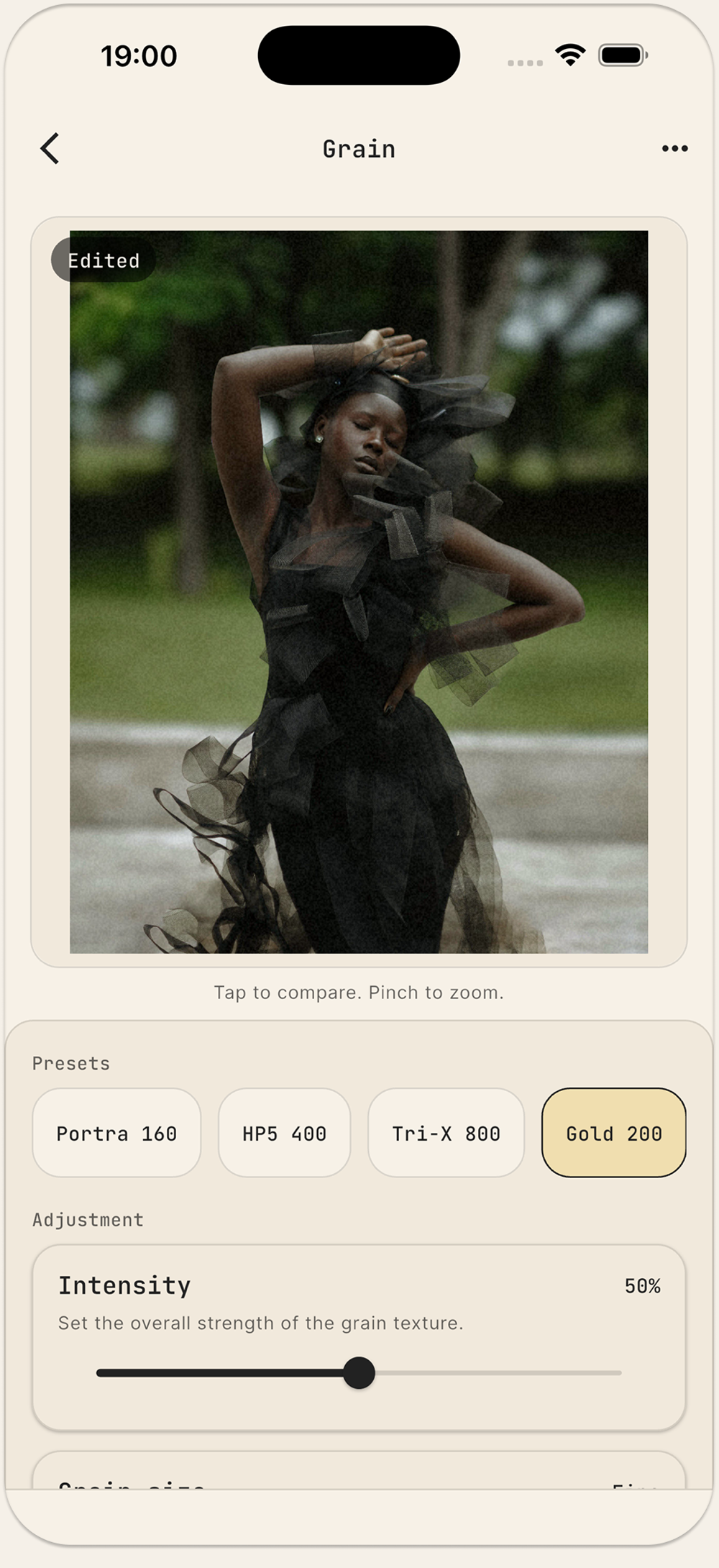
Published app capture showing the preset controls and edited demonstration photo.
No. The currently published Grain 3.0 is paid upfront and includes all grain tools.
Yes. Tap to compare the edited result with the original and pinch to zoom.
A new full-resolution edited photo in Photos.
No account is required. Your photos stay on your device.
Check the official listing for current availability and local purchase details.